
Excel Just Got Smarter
How to Add Claude to Your Spreadsheet Workflow
This article highlights a video resource showing how to add Claude to Excel and start using AI directly inside a familiar spreadsheet environment. The topic is especially relevant for professionals who want faster ways to summarize data, generate formulas, organize information, and reduce repetitive spreadsheet tasks. The video’s core promise is that users can bring the benefits of Claude’s AI model into Excel, opening the door to a more efficient workflow for analysis and reporting.
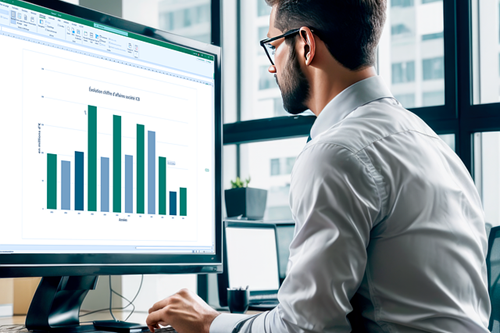
Excel has long been one of the most widely used tools in business, but AI is changing what spreadsheets can do. If you have ever wished Excel could help you write formulas, summarize large tables, clean up data, or explain what your numbers are telling you, this video is a great place to start.
This resource walks through how to add Claude to Excel so you can bring AI assistance directly into your spreadsheet workflow. That means less time spent on repetitive manual tasks and more time focused on interpretation, decision-making, and client value. Based on the video description, the key benefit is getting Claude’s AI capabilities inside Excel in a practical, usable way.
For valuation professionals, consultants, and advisors, this kind of integration can be especially helpful when working with large data sets, preparing supporting schedules, organizing messy information, or accelerating first-draft analysis. Rather than replacing expertise, tools like this can help professionals move faster and work more efficiently.
Colin Brown is the CTO of Syncnet.com and helps consultants implement AI into their practice. He can be reached at https://Syncnet.com or cto@syncnet.com.

Related posts
-

Ensuring Data Authenticity and Governance
-

Copilot Confusion
-

Build Smarter Dashboards
-

A Collision Course in Evidentiary Standards for AI-Assisted Financial Forensics
-

Demystifying AI
-

How Consultants Can Use AI Without Exposing Client Data (Run AI Locally)
-

AI, Ethics, and Standards in Valuation Practice
-

AI Fraud Detection and Forensic Accounting
